✓
PDF to Images
Convert PDF pages into high-quality images you can save and use individually.
A private, all-in-one PDF toolkit for Android. Convert, merge, split, edit, scan, sign, watermark, and turn multiple sticky notes into organized PDF pages — right on your device.
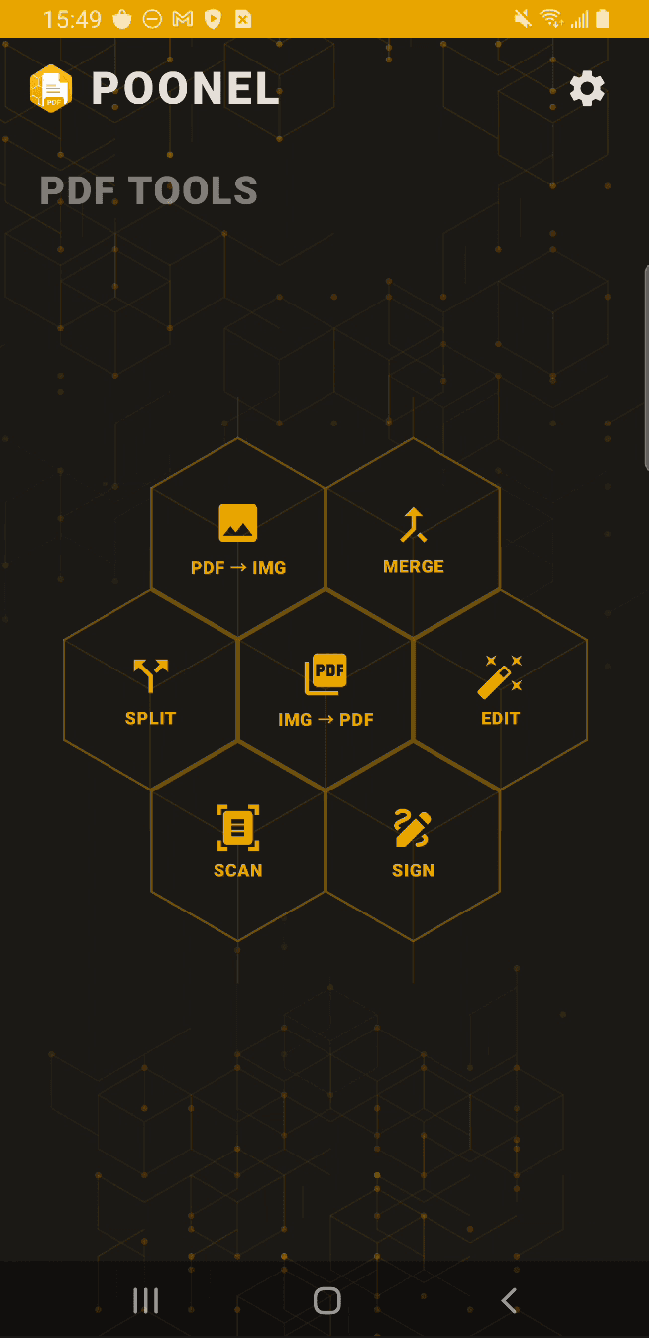
Convert, organize, scan, edit, sign, watermark, and create PDFs without jumping between multiple apps.
Core PDF processing happens on your Android device, keeping your documents under your control.
Work with documents, images, scans, signatures, and more from one Android app.
Convert PDF pages into high-quality images you can save and use individually.
Combine multiple PDF files into a single organized document.
Separate a PDF and extract only the pages you need.
Turn photos and images into a PDF and arrange them in the order you want.
Organize and edit PDF pages with tools for common document adjustments.
Scan paper documents with your phone and turn them into clean PDF files.
Add your signature to PDF documents directly from your Android device.
Add customizable text or image watermarks with control over size, opacity, rotation, position, and pages.
Capture multiple sticky notes in one photo, separate them into individual notes, arrange them, and create a PDF.
Take one photo containing multiple sticky notes. EasySmartPDF can detect individual notes, let you review and adjust the detected areas, arrange the notes in the order you want, and turn each one into a separate PDF page.
Instead of photographing and cropping every note individually, capture several notes at once and organize them before creating your PDF.
Capture several sticky notes together, review the detected notes, adjust them when needed, and choose their final page order.
EasySmartPDF is designed around on-device document processing. Create, convert, merge, split, edit, scan, sign, and watermark PDFs directly from your Android device. Your documents don't need to be uploaded to an online PDF service just to perform everyday PDF tasks.
Read the full privacy policy for details.
Core PDF operations are designed to run directly on your Android device.
Open the app and start working with your documents without creating an account.
Handle common PDF tasks without installing a separate app for every operation.
A mobile-first workflow designed for working with documents directly from your phone or tablet.
Convert, scan, organize, sign, watermark, and create PDFs from your Android device.